
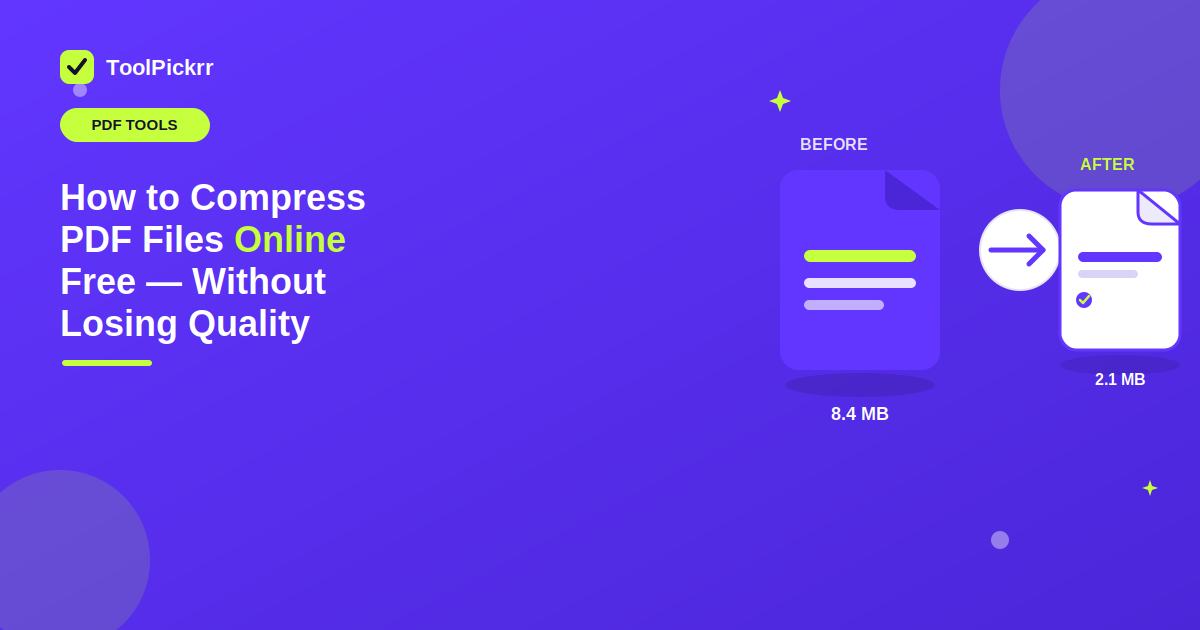
Without Losing Quality: How to Compress PDF Files Online Free
PDF files make it easy to share papers and reports, and they also work for form filling. They also work well for keeping key records. Still, a big PDF can be a pain. It may be hard to attach in an email, upload to a site, or pass along to someone else. Compress PDF can help a lot. The file becomes smaller, but the text stays readable. If you are working on documents today, you also do not need fancy tools to keep things organized. With a free online tool in one place, you can handle common file related tasks directly from your browser. If you are looking for all the tool you need in one place, online tools can make everyday document work much simpler.
Why Should You Compress PDF Files?
A big PDF may take more time to upload. It can also hit the file size cap on a website or an online form. If you compress PDF online, the file usually gets smaller. At the same time, the text stays readable.
For instance, students often have to send in school work. Many professionals send reports or proposals too. In both cases, a lower size file is simpler to handle. You may also want to reduce PDF size if your email or upload tool limits the size you can attach.
How to Compress PDF Online for Free
The process is simple. Start by choosing a reliable online PDF compression tool. Send the PDF you want to work on. Then start the tool that reduces the file. Wait until the job is done. When it is finished, download the new smaller file and keep it on your device. A compress PDF free tool can help when you do it only now and then. You can compress PDF online free without installing additional software. It also does not take up space on your device.
On ToolPickrr, open the Compress PDF tool, upload your file, choose a compression level, and download the result. Everything runs in your browser.
How Much Can You Reduce a PDF File?
How much you can shrink a PDF depends on what is inside it. A file with lots of normal typed text usually ends up smaller than a PDF packed with sharp, high-quality pictures. If you are trying to stay below a tough upload limit, you may want to compress PDF to 1MB. If the site is even tighter, you can try to compress PDF to 100KB, because that might be the actual cap. The smallest result you can get will vary based on the content and on how hard you compress it. That is why many people look for ways to reduce PDF file size or compress PDF file options that still keep the document easy to read.
Make PDF Management Easier
If you work with files all day, it can feel sluggish when your tools are split up. You end up bouncing between screens. If everything is kept together, you can work quicker. For quick tasks, you might not have to set anything up. When you have a web job, use the site and wrap it up quickly.
Need to make a PDF smaller? You can reduce PDF size online with a web PDF tool. You can also use one to prep a document for sending. The key is simple use. It should help you work on your files with minimal taps, not long detours.
Looking for more PDF tips? Browse the ToolPickrr blog, explore all free tools, or return to the homepage.
Frequently Asked Questions
Can I compress a PDF online for free?
Yes. ToolPickrr's Compress PDF tool lets you reduce PDF file size in your browser for free — no signup or software install required.
Will compressing a PDF ruin the quality?
Not if you choose a balanced compression level. Text usually stays readable; image-heavy PDFs may look slightly softer at higher compression.
How do I reduce a PDF to a smaller size?
Upload your PDF to Compress PDF, pick a compression level, wait a few seconds, then download the smaller file.
Can I compress a PDF to 1MB or under 100KB?
You can try stronger compression, but the smallest size depends on the content. Text-heavy files shrink more than PDFs packed with high-resolution images.
Do I need to install software to compress a PDF?
No. Online compress PDF tools like ToolPickrr work in the browser, so you can shrink files without installing desktop software.
Shrink Your PDF
Upload your PDF, choose a compression level, and download a smaller file that stays easy to read — right in your browser.
ToolPickrr – Free Online Tool in One Place.
Compress PDF Online →