PDF Tools

PDF to JPG Converter Online

Need to turn a PDF page into an image? Our PDF to JPG converter lets you convert PDF pages into JPG images quickly from your browser.

Convert PDF to JPG online free with ToolPickrr

Upload

Drag & drop your PDF here

or select a file from your device

One PDF at a time · Max 80MB

Your files stay private — all processing happens directly in your browser.

  • Instant results
  • Private & secure
  • Works on mobile
  • ZIP download

Workspace

Select Pages

0 pages

Conversion Settings

Your Images Are Ready!

0 image(s) generated.

About this tool

PDF to JPG Converter Online

Need to turn a PDF page into an image? Our PDF to JPG converter lets you convert PDF to JPG quickly from your browser.

Upload your PDF, start the conversion, and download the JPG images when they are ready. The tool is useful when you need to share a PDF page as an image or upload it to a platform that doesn't accept PDF files.

Use this free convert PDF to JPG online tool anytime you need to turn PDF into JPG. Need to prepare the file first? Try Split PDF, Compress PDF, or Merge PDF.
Simple conversion

Convert PDF to JPG Easily

PDF is a great format for documents, but sometimes an image is more convenient. For example, you may want to share a certificate, poster, form, document page, or screenshot as a JPG image.

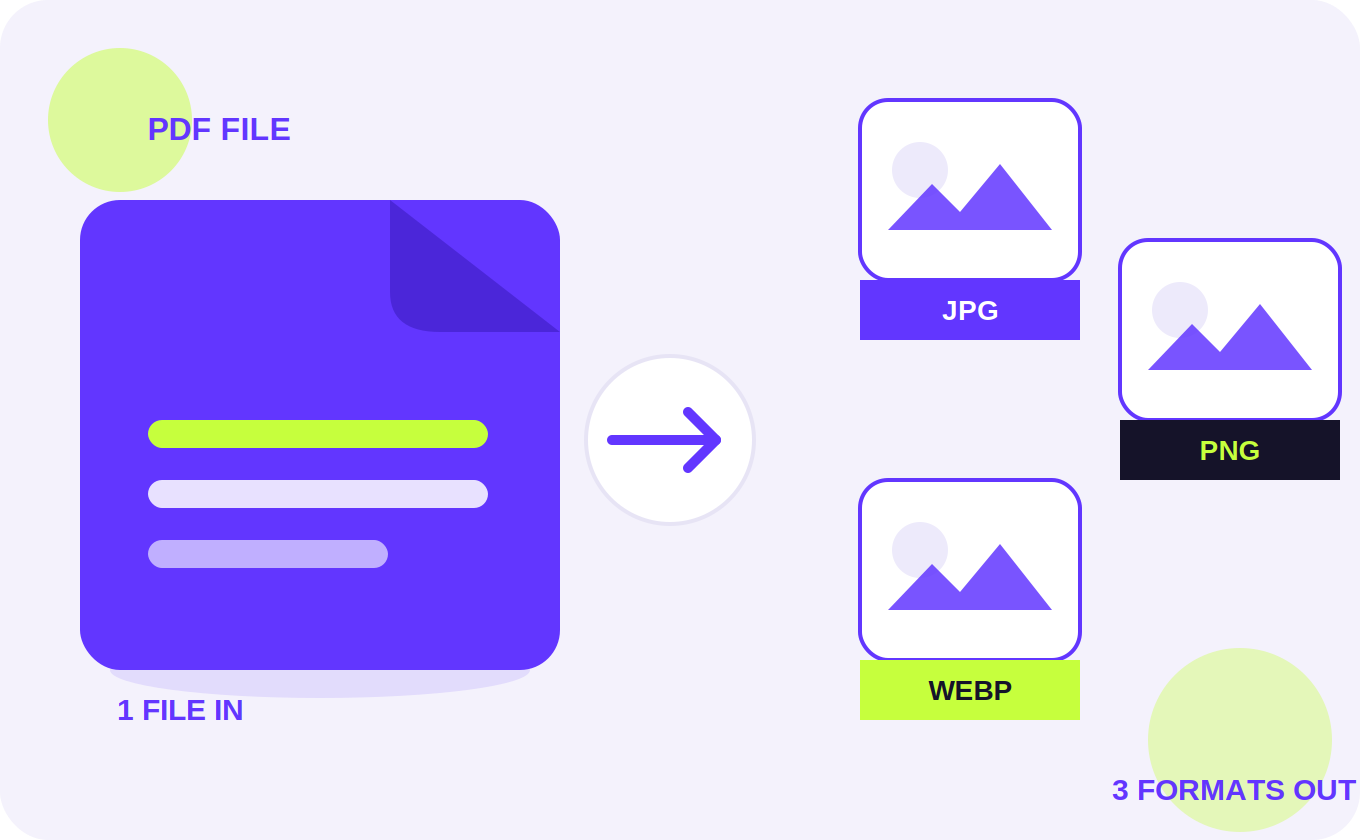
Our convert PDF to JPG tool helps you turn PDF pages into image files without complicated steps. You can also export as PNG or WebP when that format fits better.

No install needed

PDF to JPG Online Free

You can convert PDF to JPG online without installing additional software. Simply open the tool in your browser and upload your file.

The tool can be useful for students, designers, office workers, businesses, and anyone who needs to convert PDF pages into images.

More than JPG

Convert PDF to Image

If you don't specifically need JPG, you may also find the tool useful for general PDF to image conversion. Converting pages into images makes them easier to use on websites, presentations, social media, and other platforms.

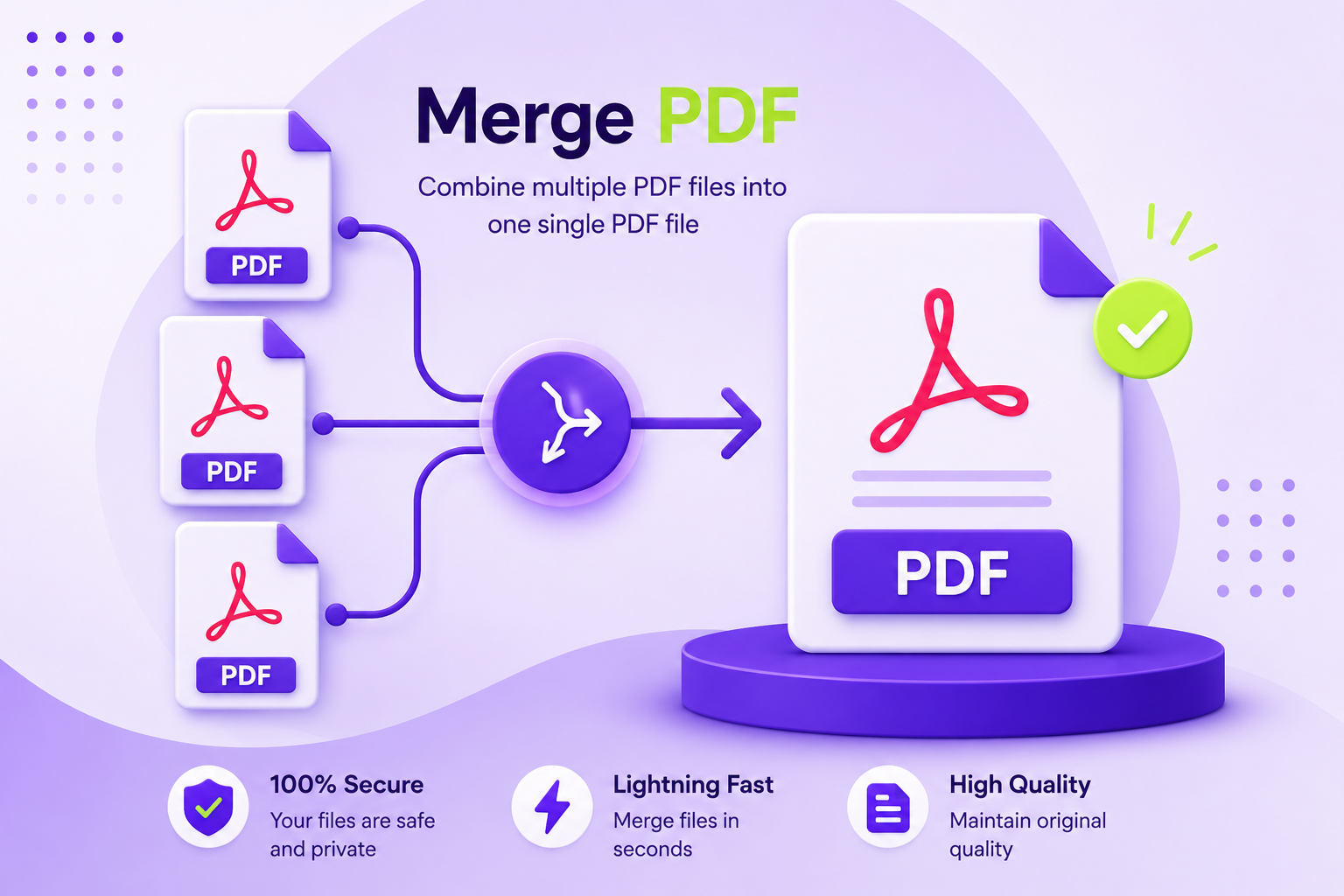
With all tool in one place, you can also merge PDF files, split PDF pages, compress PDF, or convert Word to PDF.

This free online tool in one place gives you a simple way to handle common document tasks directly from your browser.

  • 1. Upload

    Drop in your PDF or choose it from your device.

  • 2. Select pages

    Convert all pages, a range, or individual pages.

  • 3. Set options

    Choose format, DPI, resize, and image adjustments.

  • 4. Download

    Save images separately or all at once as a ZIP.

Quick answers

Frequently Asked Questions

How can I convert PDF to JPG?

Upload your PDF, start the conversion, and download the generated JPG images.

Is the PDF to JPG converter free?

Yes, you can use the converter for free.

Can I convert multiple PDF pages to JPG?

Yes. Each PDF page can be converted into an image when supported by the tool.

Can I use the PDF to JPG tool on my phone?

Yes. You can use it through a supported mobile browser.

Do I need to install software to convert PDF to JPG?

No. The conversion can be done directly in your browser.

Need another tool?

Try Merge PDF, Split PDF, Compress PDF, or Word to PDF — or browse all free tools.

All Tools

Converting your PDF

Preparing...