
PDF Tools

Merge PDF Files Online

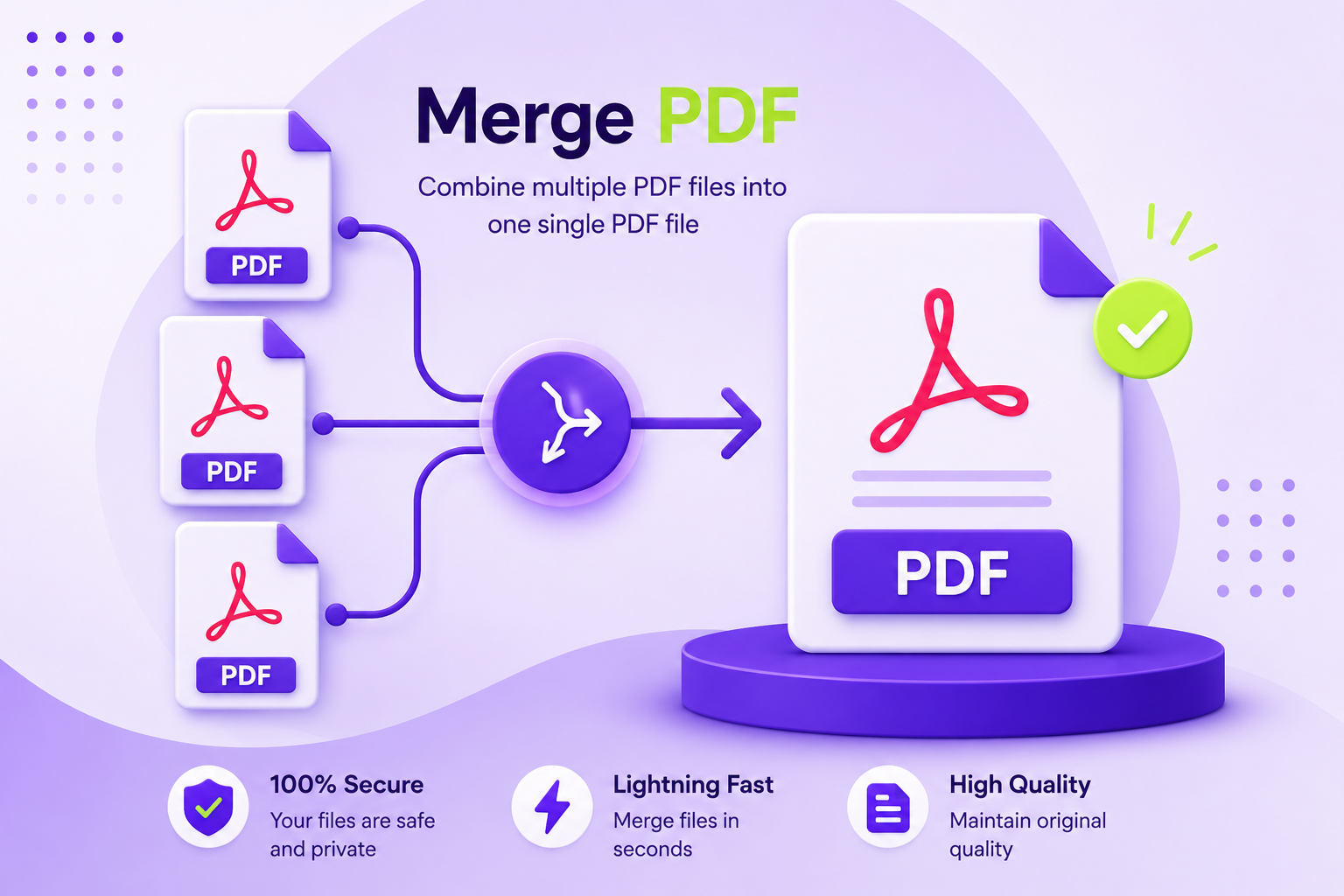
Got three different PDFs that really should be one document? Happens all the time a contract split into separate scans, chapters of a report saved individually, or a bunch of receipts you need to send as a single file. This free PDF merger puts them all together in the order you want, and it takes about as long as it takes you to read this sentence.

Merge PDF files online with ToolPickrr

Upload

Drag & drop your PDFs here

or select files from your device

Supports multiple PDF files · Max 50MB per file

Your files are processed securely in your browser. Nothing is uploaded to a server.

  • Instant processing
  • Private & secure
  • Works on mobile
  • No file limit

Workspace

Your Files

0 files

Page tools

Pages

Done

Your PDF is Ready!

Your files have been merged successfully.

0 pages 0 MB

About this tool

Why People End Up Merging PDFs

Most of the time, merging PDFs isn't something you plan for — it's something you suddenly need to do five minutes before an email deadline. Maybe your bank sent you three separate statement PDFs and your accountant wants them as one file. Maybe you scanned a 10-page document one page at a time and now you're staring at 10 separate files wondering how that happened.

This tool lets you merge PDF online in exactly that moment, without installing anything. Drop in your files, drag them into the order you actually need, and hit merge to combine PDF files into a single document. If a page snuck in that doesn't belong — a blank scan, a duplicate, whatever — just delete it before you combine everything. If something's upside down, rotate it.

Everything happens right there in your browser. Your files never leave your device, and nothing is stored after you close the tab. That's what makes this a genuinely free PDF merger, not just a free trial with limits hiding somewhere in the fine print. For a longer walkthrough, read How to Merge PDF Files Into One Document Step by Step.

How it actually works

Simple, In Practice

  • 1. Upload

    Drag and drop your PDFs, or click and pick them from your files.

  • 2. Arrange

    Drag the cards to change order, or open a file to delete or rotate pages.

  • 3. Merge

    Hit Merge PDFs this online PDF merger processes everything in a few seconds.

  • 4. Download

    Preview the combined file, rename it if you like, then download it.

You upload your PDFs drag and drop, or just click and pick them from your files. Once they're in, you'll see them as cards you can drag around to change the order. Click on any file if you want to go page-by-page: maybe there's one page you want gone, or one that needs to be rotated the right way up.

Once everything looks right, hit "Merge PDFs." This online PDF merger processes everything in a few seconds, and then you've got one combined file, ready to preview and download. Not happy with the name? Rename it before downloading. Need to add another file you forgot? Go back and add it you don't have to start over.

That's really it. No account, no watermark stuck on your document, no "upgrade to download" surprise at the end just a simple way to merge PDF files free, every time, from ToolPickrr's free online tools.

Good to know

A Few Things Worth Knowing

  • Your files stay private.

    Everything's processed in your browser, not uploaded to a server.

  • Order matters, and you control it.

    Drag files or individual pages around until it's exactly how you want it.

  • Mistakes happen fix them before merging.

    Delete a bad page, rotate a sideways scan, add a file you missed.

  • It's actually free.

    Not "free trial," not "3 merges then pay" this PDF merger online stays free, every time.

  • Works on your phone too.

    If you're merging PDFs from your phone because that's where the scans are, the tool adjusts to a smaller screen without losing functionality.

Quick answers

Frequently Asked Questions

What is a PDF merger?

It's a tool that takes two or more separate PDF files and combines them into a single document, in whatever order you choose.

Can I merge PDF files online for free?

Yes this tool is completely free to use, with no limits on how many times you merge PDFs.

Can I merge more than two files at once?

Yes upload as many as you need in one go. There's no cap on how many PDFs you can combine.

Do I need to create an account to merge PDFs?

No. Upload your files and start working immediately.

Where do my files go once I upload them?

Nowhere but your own browser. Nothing is sent to a server, stored, or kept after you're done.

Can I fix a page before merging, like remove or rotate it?

Yes. Open any file in the editor, and you can delete pages you don't want or rotate ones that came out sideways.

Will merging affect the quality of my PDFs?

No pages are combined exactly as they are, with no compression or quality loss.

Can I use this PDF merger on my phone?

Yes, it works on mobile browsers just as well as on desktop.

Need another tool?

Explore more free PDF, image, and text tools on ToolPickrr.

All Tools

Merging your PDFs

Preparing files...
Preview
1 / 1 100%

Are you sure?

This action cannot be undone.