Image Tools
Compress Image Online
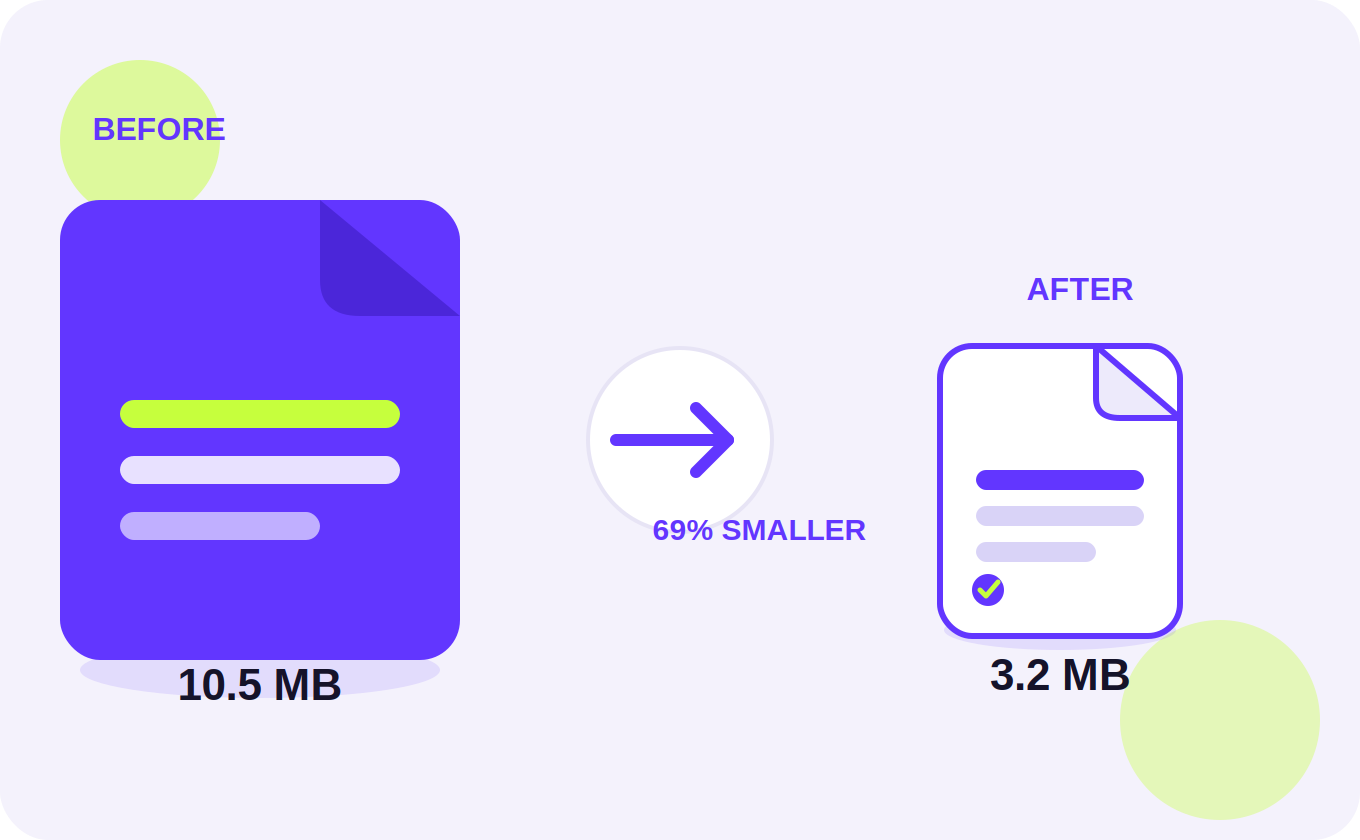
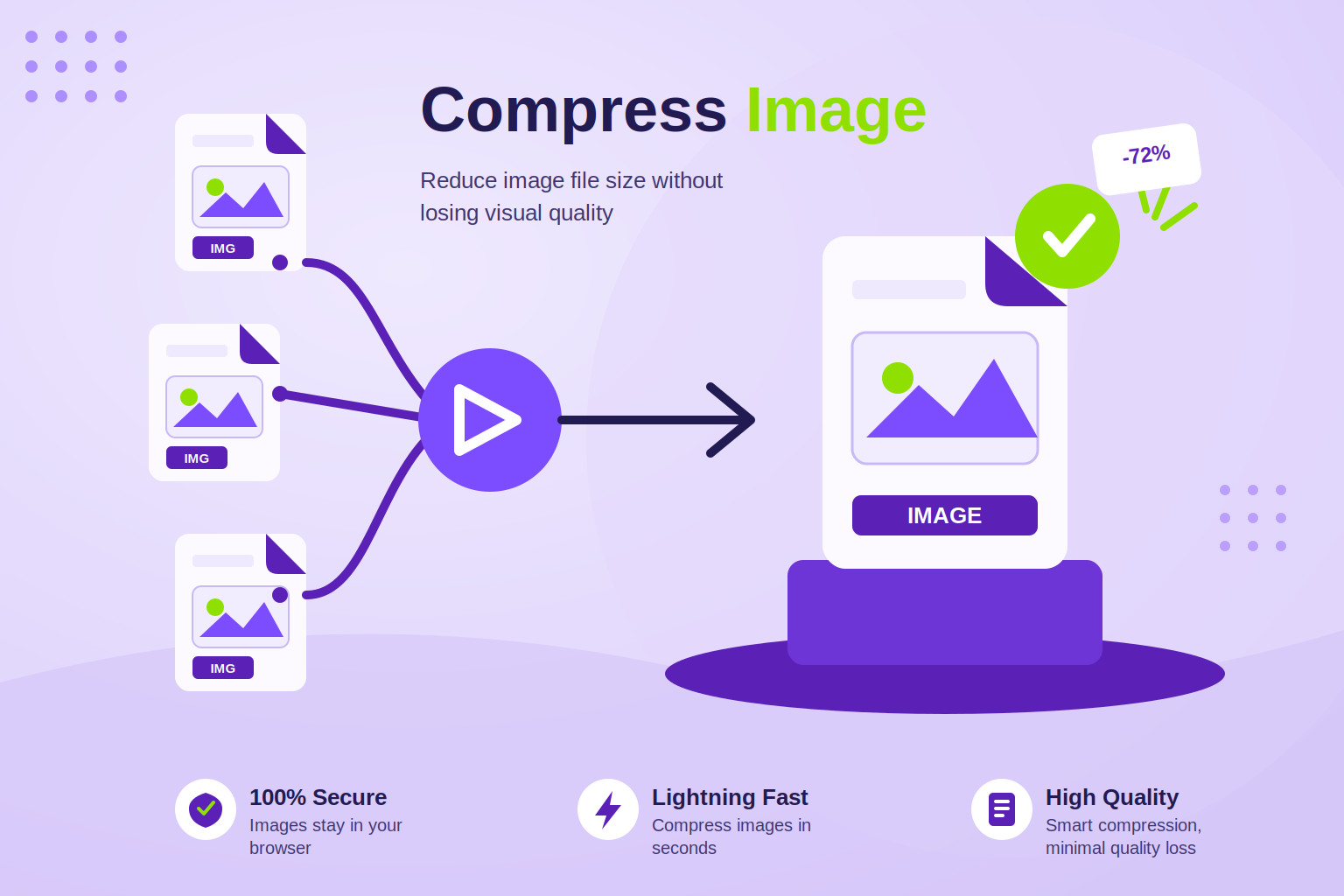
Reduce image file size without unnecessary quality loss. Compress JPG, PNG, WebP and other supported images directly in your browser.
Upload
Drag & drop images here
or select files from your device
You can also paste an image with Ctrl+V
Your images stay private — everything is processed on your device, nothing is ever uploaded.
- Instant results
- Private & secure
- Works on mobile
- Batch compress
How it works
How to Compress an Image Online
-
1. Upload
Drop one or more JPG, PNG, or WebP images into the tool — or click to pick them from your device.
-
2. Choose settings
Pick a quality preset, drag the slider, or set a target size in KB/MB if you need a hard limit.
-
3. Compress
Hit Compress (or Compress All). Processing stays in your browser — nothing is uploaded to a server.
-
4. Download
Preview the result, then download each file or grab everything as a ZIP.
About this tool
Compress Image Online for Free
Ever tried uploading a photo somewhere and got hit with "file too large"? That's usually the moment people start looking for a way to compress an image — and honestly, it shouldn't be complicated. ToolPickrr's image compressor online free tool does exactly that: you drop your image in, it shrinks the file size, and you're done. No installs, no waiting, no server uploads involved — everything runs right there in your browser tab.
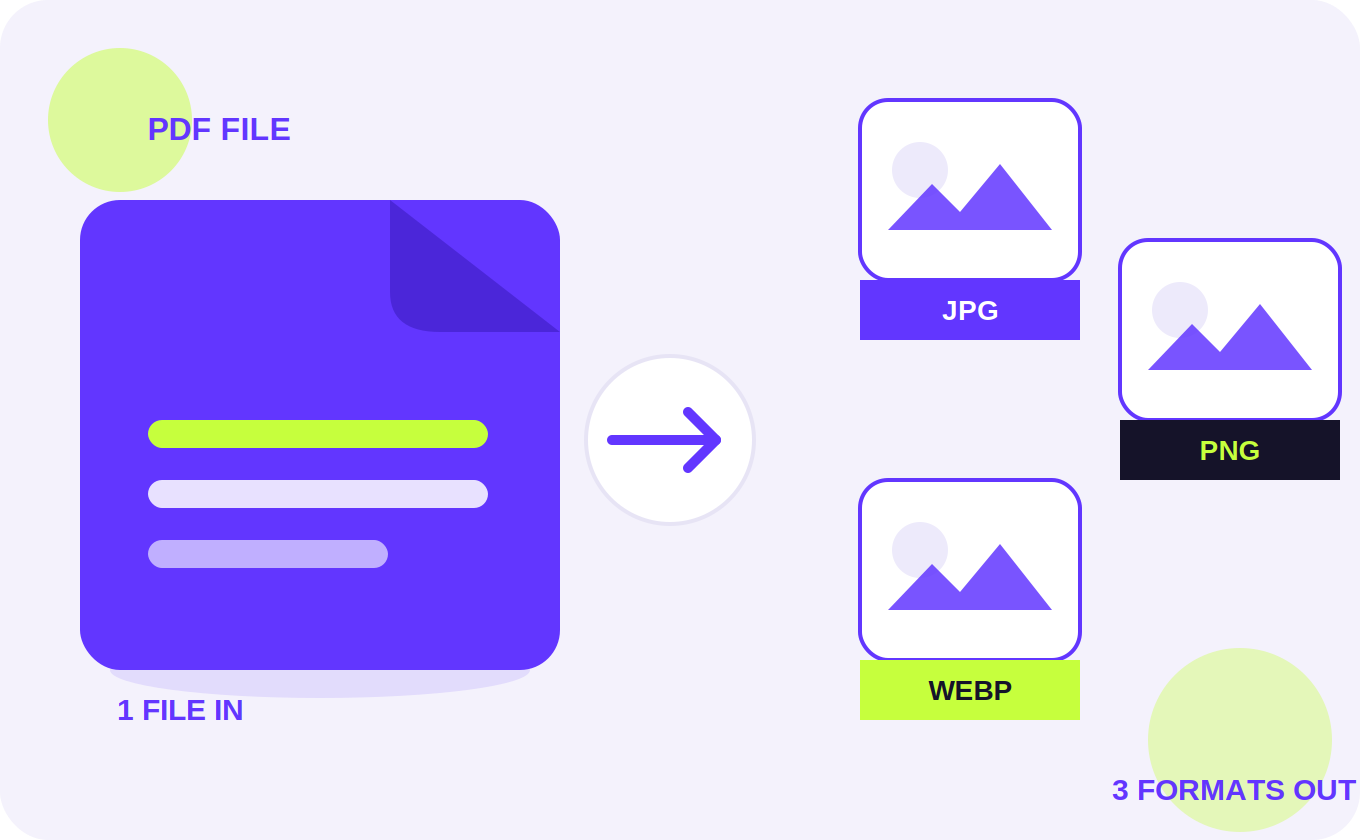
It works with pretty much any format you'll come across day to day. Got a bunch of photos from your phone? You can compress jpg images with a simple quality slider and watch the size drop in real time. Working with a screenshot or a logo that needs to stay crisp? Compress png files without losing that transparency. And if you're building for the web these days, you can also compress webp images or even convert other formats into WebP, since it tends to give you the smallest file for the same visual quality.
One thing people ask for a lot is hitting an exact size — like when a website form says "must be under 200kb" and nothing you try seems to land close enough. That's where the image compressor in kb feature comes in handy. Just type in your target size in KB or MB, and the tool works out the right quality and dimensions to get as close to that number as it can.
As far as image compressor tools go, this one's built to just work — on your laptop, your tablet, or your phone, it doesn't matter. Upload one photo or fifty at once, compress them all together, and grab your files individually or as a single ZIP download. And since it's a genuinely free image compressor with no sign-up, no watermark, and no daily limit, you can use it as often as you need. Working with PDFs too? Try Compress PDF or PDF to JPG. Need a passport photo next? Use the Passport Size Photo Maker.
Common questions
Common Questions
How do I actually compress an image online?
Upload your photo, pick a compression mode (or just drag the quality slider yourself), and hit Compress. Takes a few seconds, and your smaller file is ready to download right away.
Will compressing hurt the quality?
Not really, at least not in any way you'd notice — a balanced compression setting keeps things looking sharp while trimming a good chunk of the file size. If you'd rather not lose even a pixel of quality, there's a lossless option too, though it won't save as much space.
Does it handle JPG files?
Yes, JPG works great here. Slide the quality control up or down, or just pick a preset like Balanced or Maximum Compression depending on how aggressive you want to be.
What about PNG?
Also supported, transparency and all. If you don't actually need the transparent background, switching the output to JPG or WebP usually squeezes the file down even more.
Can I compress WebP images too?
Yep. WebP is already pretty efficient, but you can still fine-tune it further, or convert your JPGs and PNGs into WebP if you want the smallest possible result.
I need my image under a specific KB limit — is that possible?
That's exactly what the target size option is for. Just tell it how many KB or MB you're aiming for, and it'll adjust quality and dimensions automatically to get you there.
Can I do a bunch of images at once instead of one at a time?
Definitely. Upload as many as you want, set your preferences once, hit Compress All, and download everything together as a ZIP when it's done.