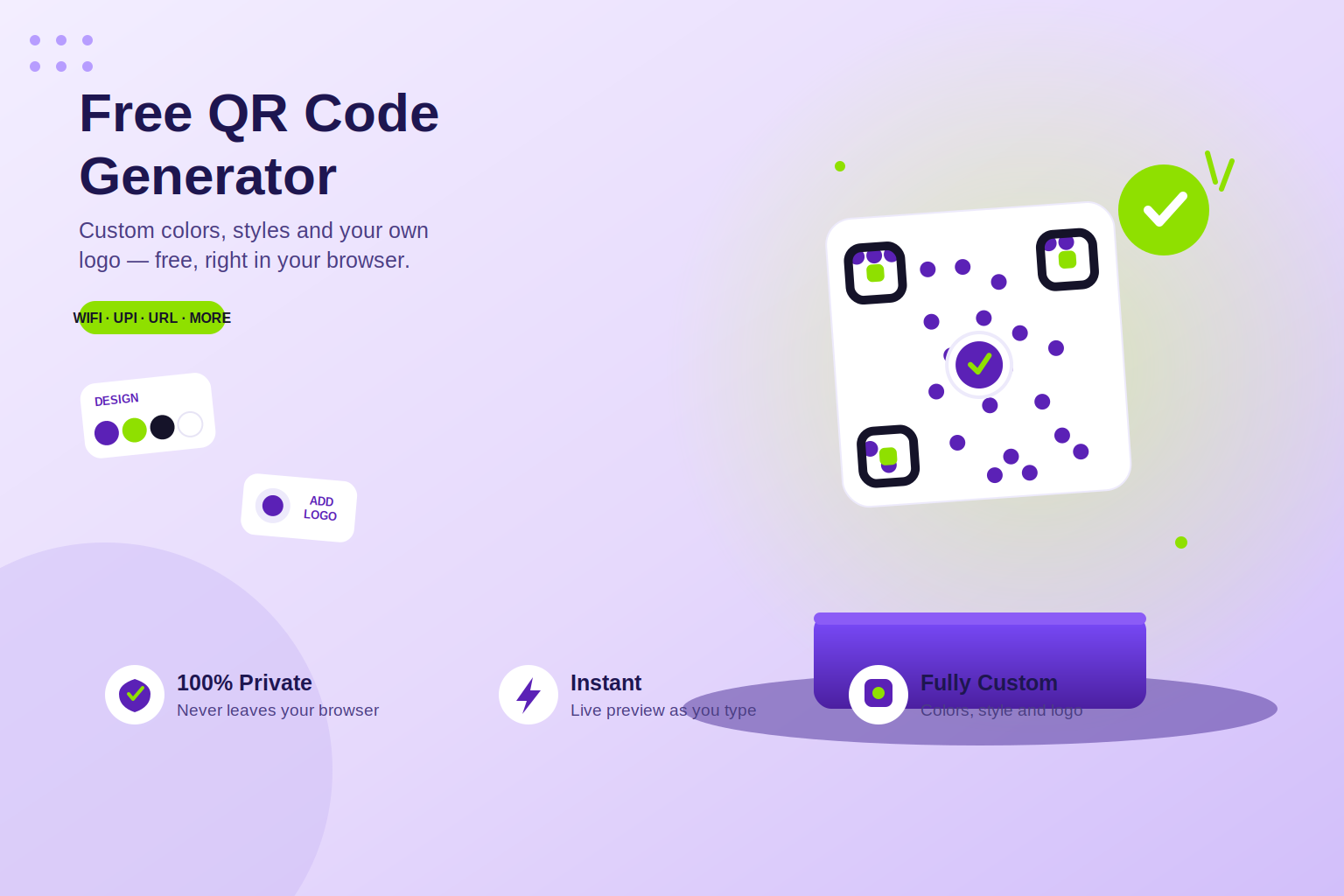
Create and customize QR codes instantly with our free QR Code Generator. Generate a QR code for a website, URL, text, contact details, business card, and other information directly from your browser. No signup, installation, or complicated setup required.
Create QR Codes Online in Seconds
A QR code makes it easy to share digital information with just one scan. With our online QR Code Generator, you can quickly turn a link, website URL, text, or contact information into a scannable QR code.
Simply enter the information you want to share, customize your QR code if required, and generate it instantly. The entire process works directly in your browser, making it fast, convenient, and accessible from desktop and mobile devices. New to QR codes? Read our guide on how to create a QR code online for free.
Free QR Code Generator with Customization
Our free QR code generator is designed for users who want more than a basic black-and-white QR code. You can create a custom QR code according to your requirements and make it suitable for websites, marketing materials, social media, business cards, menus, posters, and more.
If you want to create a QR code with a logo, you can use the customization options available in the tool to make your QR code more recognizable while keeping it easy to scan.
Create a QR Code for a URL
Need to share a website or landing page quickly? Enter your URL into the generator and create a QR code for your website in just a few clicks. This is useful for businesses, marketers, event organizers, restaurants, creators, and anyone who wants to connect offline users with online content.
You can also use it to turn a link into a QR code for brochures, flyers, product packaging, presentations, advertisements, and business cards. For a step-by-step walkthrough, see How to Create a QR Code Online for Free on the ToolPickrr blog.
QR Code for Business Cards
A QR code business card can make sharing contact information much easier. Instead of manually typing phone numbers, email addresses, or website links, users can scan your QR code and access the information digitally.
You can also create a QR code for contact or vCard information when you want to provide a convenient digital alternative to traditional contact sharing.
Why Use Our QR Code Generator?
- Free QR code generation
- Create QR codes online without installing software
- Generate QR codes for URLs and websites
- Create custom QR codes
- QR code with logo support
- Useful for business cards and marketing
- Fast and simple interface
- Browser-based experience
- Works on desktop and mobile devices
- No unnecessary signup process
Who Can Use a QR Code Generator?
QR codes are useful for businesses, marketers, restaurants, teachers, event organizers, freelancers, creators, retailers, and everyday users. You can use them to share websites, menus, social profiles, contact information, product pages, payment information, forms, and other digital resources.
Whether you want to make your own QR code for personal use or create QR codes for a business campaign, an online QR code maker can save time and make information easier to access. Explore more free online tools on ToolPickrr — including Image Compressor and Passport Size Photo Maker.
Generate Your QR Code Today
Create a QR code online quickly and easily with our free QR Code Generator. Enter your information, customize the design when needed, generate your QR code, and use it wherever you need. No complicated software or technical knowledge is required.
Generate your QR code with ToolPickrr — start at the QR Code Generator, learn more in How to Create a QR Code Online for Free, or return to the ToolPickrr homepage for all free tools in one place.