How to Use the Handwriting Assignment Generator
Creating a handwritten-style assignment is simple. Follow these four steps:
Step 1: Add Your Assignment Text
Type or paste your assignment into the text editor.
You can use simple formatting options to organize your content:
- Start a line with
#to create a heading. - Start a line with
##to create a subheading. - Use Insert Page Break when you want to start a new page.
- Select Try Demo Assignment if you want to test the tool before adding your own content.
If your assignment is already available as an image, use Read Text from Image (OCR) to extract the text. The extracted text will appear in the editor, where you can review and correct any OCR mistakes before generating your pages.
Step 2: Choose a Handwriting Font
Select one of the 8 built-in handwritten font styles:
- Caveat
- Kalam
- Patrick Hand
- Indie Flower
- Shadows Into Light
- Gloria Hallelujah
- Homemade Apple
- Reenie Beanie
Each font has a different handwritten appearance. Choose the style that best matches the look you want for your pages.
You can also customize:
- Writing size
- Letter slant
- Natural variation
Use the available presets such as Neat, Slightly Messy, and Exam Style for quick customization.
Step 3: Customize Paper and Colors
Make your generated pages look more like the type of notebook or paper you prefer.
You can customize:
- Answer Ink Color – color of your normal text
- Heading Ink Color – separate color for headings
- Page Size – A4, A5, Letter, or Legal
- Paper Type – Ruled, Plain, Grid, or Dotted
- Page Margins
- Line Spacing
You can use a different ink color for headings and normal text to make your handwritten assignment more organized.
Step 4: Preview and Download
The generated page preview appears on the right side of the tool.
Use Next and Previous to check each page before downloading.
You can choose from several output options:
- Download PDF – download the complete assignment as one PDF.
- Current Page PNG – save the selected page as an image.
- All Pages ZIP – download every generated page as images in a ZIP file.
- Print – send your pages directly to a printer.
For better-quality output, select High or Print quality before downloading.
Create Handwritten Assignments from Typed Text
Writing a long assignment manually can take considerable time. Our Handwriting Assignment Generator lets you turn your typed content into handwritten-style pages with a few simple steps.
Simply enter your text, select a handwritten font, customize the page settings, and generate your pages.
Still planning what to write? Follow our step-by-step guide on how to write an assignment free online to structure and edit your content before converting it.
The tool supports multiple handwriting fonts, paper styles, ink colors, margins, and spacing options so you can create pages with the appearance you prefer.
You can use the Handwriting Assignment Maker for notes, practice material, drafts, personal documents, and other appropriate handwritten-style content.
8 Handwriting Fonts to Choose From
The tool includes eight different handwriting fonts, each with its own visual style.
Caveat
Caveat provides a casual handwritten appearance and works well when you want a simple and natural-looking style.
Kalam
Kalam is a handwriting-style font designed to resemble everyday handwritten text. It can be useful when you want a familiar notebook-style appearance.
Patrick Hand
Patrick Hand provides a clean and friendly handwritten appearance and is suitable for simple notes and assignments.
Indie Flower
Indie Flower has a casual handwritten style with a more relaxed appearance.
Shadows Into Light
Shadows Into Light provides a lightweight handwritten appearance and can be useful when you prefer thinner-looking letters.
Gloria Hallelujah
Gloria Hallelujah offers a more expressive handwritten appearance with distinctive letter shapes.
Homemade Apple
Homemade Apple provides a flowing handwritten style and is useful when you want a more personal-looking font.
Reenie Beanie
Reenie Beanie has a loose and casual handwritten appearance, making it another option for creating handwritten-style pages.
You can switch between these handwriting fonts to find the appearance that works best for your content.
Customize Your Handwriting Style
The Handwriting Assignment Maker gives you control over several writing settings.
Writing Size
Change the size of the generated letters to make the text smaller or larger.
Letter Slant
Adjust the angle of the letters to create a straighter or more slanted appearance.
Natural Variation
Natural variation changes small aspects of the generated writing so that every line does not look exactly the same.
A Natural Variation setting between 30 and 50 can provide a more varied appearance. Higher values can make the writing look more irregular.
Handwriting Presets
You can also use presets to quickly change the appearance of your pages:
- Neat
- Slightly Messy
- Exam Style
Press Regenerate if you want to create another variation using your selected settings.
Convert Text to Handwriting Online
The Convert Text to Handwriting feature allows you to turn typed content into handwritten-style pages directly in your browser.
You don't need to manually recreate every line in a handwriting application. Enter your content, select your preferred font and settings, and generate the pages.
This Handwriting Generator Online can be useful for creating handwritten-style notes, practice documents, drafts, and other personal content.
Need a typed copy instead? You can turn your document into a PDF with our Word to PDF converter.
Create Handwritten Pages With Different Paper Styles
Different assignments and notes may require different paper layouts. The tool allows you to select the paper style that matches your preferred format.
Available options include:
Ruled Paper
Useful for a traditional notebook appearance.
Plain Paper
A clean page without lines or grids.
Grid Paper
Useful when you prefer a structured grid layout.
Dotted Paper
Provides a subtle dotted pattern for a different notebook-style appearance.
You can also choose from A4, A5, Letter, and Legal page sizes.
Add Name, Roll Number, Subject and Date
You can add important assignment details such as:
- Name
- Roll Number
- Subject
- Date
When these details are filled in, they appear at the top of the first page.
This makes it easier to organize your generated handwritten assignment before downloading or printing it.
Extract Text From an Image Using OCR
Already have your content in an image?
You can use the Read Text from Image (OCR) feature to extract text from the image.
The extracted text appears inside the editor. Always review the extracted content because OCR may occasionally recognize letters or words incorrectly.
After checking the text, you can edit it and generate your handwritten-style pages.
Note: PDF upload is currently not supported. The OCR feature is designed for images. If your content is in a PDF, convert its pages to images with our PDF to JPG converter first, then read the text from the image.
Is This a Real Handwriting Generator?
The tool generates handwritten-style pages using built-in handwriting fonts. It does not currently copy or reproduce a person's actual handwriting.
The eight available styles — Caveat, Kalam, Patrick Hand, Indie Flower, Shadows Into Light, Gloria Hallelujah, Homemade Apple, and Reenie Beanie — provide different handwritten appearances.
If you upload a handwriting photo, it does not train the tool to reproduce that person's handwriting. Currently, the handwriting image can be used to determine the ink color, while the actual letter shapes come from the selected built-in font.
Handwriting Assignment Generator for Mobile
You can also use the Handwriting Assignment Generator on mobile devices.
The controls are displayed at the top of the screen, while the generated page preview appears below.
You can:
- Enter your assignment
- Select a handwriting font
- Change writing settings
- Customize paper
- Preview pages
- Generate your assignment
- Download the result
No separate application is required.
Download Your Handwritten Assignment
Once your pages are ready, you can select the output format you need.
PDF Download
Download all generated pages as a single PDF file.
PNG Download
Download the currently selected page as a PNG image.
ZIP Download
Download all generated pages as individual images inside a ZIP file.
Print your generated pages directly from the browser.
For the best output quality, choose High or Print quality before downloading.
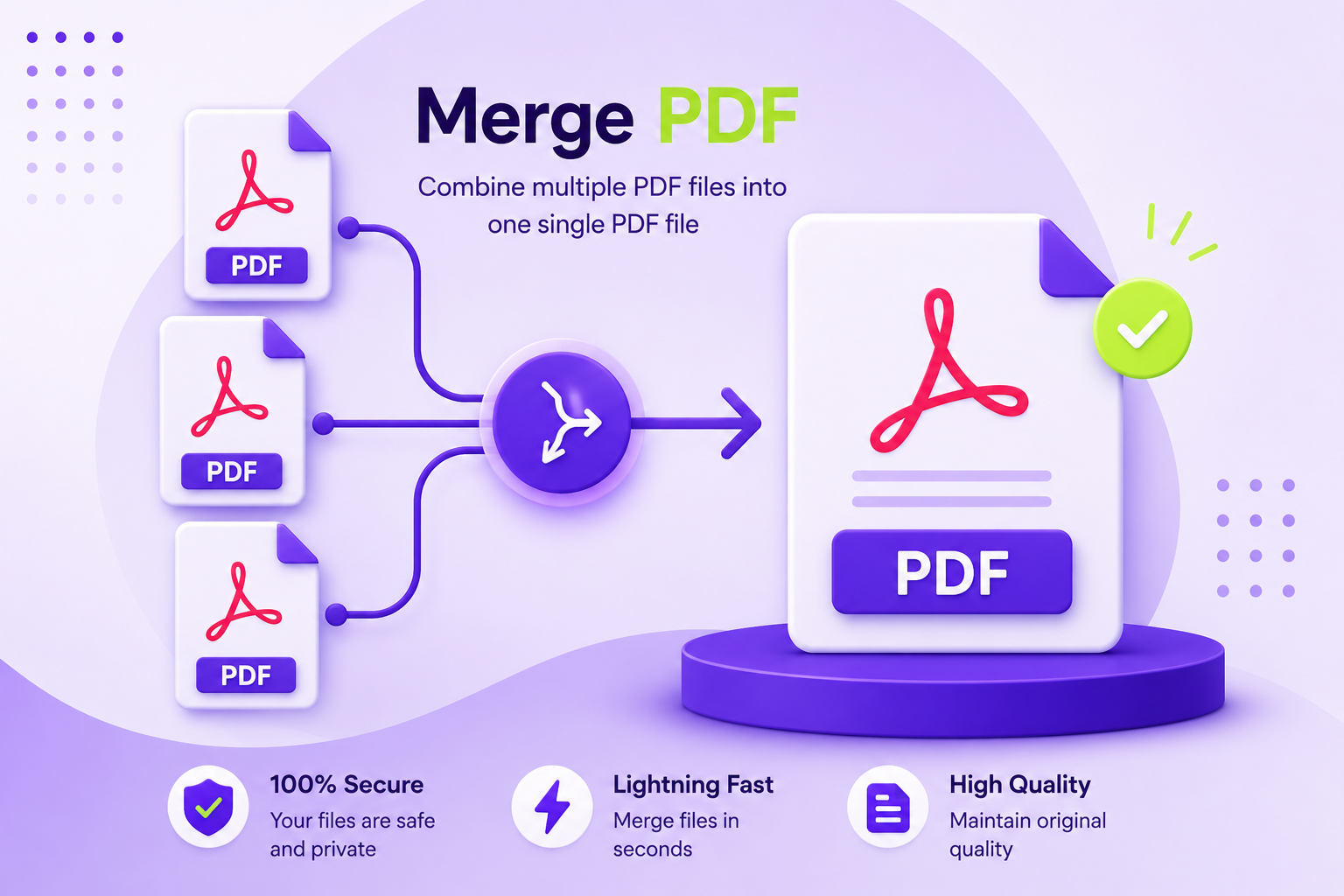
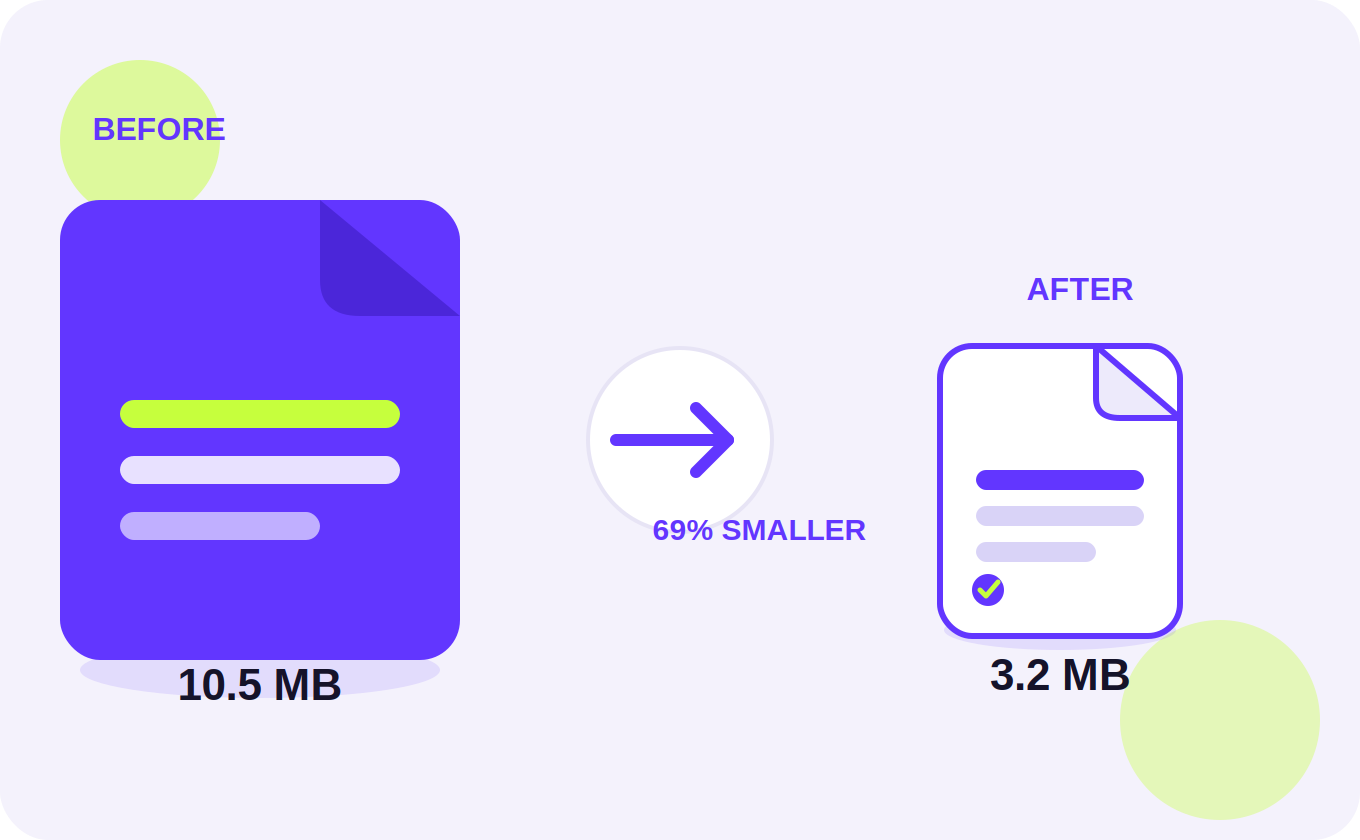
If your submission portal has a file size limit, you can compress the PDF after downloading. Need to add a typed cover page or other documents? Merge them into one PDF with your handwritten pages.
Tips for Better Results
Follow these tips to create better-looking handwritten pages:
- Keep line spacing around 32–36 for a natural notebook-style appearance.
- Try Natural Variation between 30–50.
- Experiment with different handwriting fonts.
- Use the Regenerate option when you want another variation.
- Adjust margins according to your preferred notebook layout.
- Check every page using the preview before downloading.
- Use High or Print quality for clearer output.
- Use separate heading and answer ink colors if you want headings to stand out.
Browser-Based Handwriting Assignment Maker
This Handwriting Assignment Maker is designed to work directly in your web browser.
Your assignment text and uploaded photos are processed in the browser rather than being uploaded to a server.
Your text and settings can also be saved locally in your browser so you can continue your work later.
The Handwriting Generator Online may require an internet connection for certain features such as fonts, OCR, PDF generation, and ZIP downloads.
Privacy
Your privacy is important to us.
Your assignment text and uploaded photos are not sent to a server. The tool processes them in your browser.
Your text and settings may be saved locally in your browser so that your work can remain available when you return.
Use Clear Saved Data if you want to remove the saved text and settings from your browser.
For more details, read our Privacy Policy.
Use the Tool Responsibly
The tool can be useful for creating handwritten-style notes, drafts, practice material, personal documents, and other appropriate content.
If you are using it for school, college, or other academic work, make sure your use follows your institution's assignment and academic-integrity rules.